Most software supply chain programs focus on what ships: dependencies, SBOMs, and build pipelines. The $6.34 billion Binance hack shows that the supply chain starts much earlier, at the developer's own laptop, toolchain, and inbox.
North Korea-linked attackers did not break Binance's cryptography. They planted a tampered package on one engineer's machine, sent a malicious coding assignment to another through a fake job interview, and pivoted through an internal AI tool until they could drain hot wallets. If you have not read the full attack chain yet, start with Binance Hack Explained: How a Fake Job Interview Stole $6.3B.
This guide focuses on what developers and security teams can change on Monday morning.
What Is Developer Supply Chain Security?
Developer supply chain security protects everything a developer pulls into their environment, including packages, tools, IDE extensions, repositories, and AI assistants, and everything that environment can reach. A developer workstation is effectively part of your production supply chain. If it holds credentials that touch code, infrastructure, or signing systems, it deserves the same scrutiny as a build server.
Three Supply Chain Lessons from the Binance Hack
1. Package Managers Are an Entry Point
In June, a Binance wallet engineer looking for an AI tool installed a tampered Homebrew package. Lookalike and trojanized packages on npm, PyPI, Homebrew, and VS Code marketplaces are one of the most common software supply chain attack techniques, because developers install tools constantly and rarely verify the publisher.
2. Untrusted Repositories Execute on Install
In September, a second engineer ran a "take-home assignment" from a fake recruiter on his work computer. The malicious code repository fired during installation, before any code review could happen. Install hooks such as npm postinstall scripts, Python setup.py, Makefiles, git hooks, and IDE task files all run code you never read.
3. Internal Tools Extend the Blast Radius
The attackers used an internal AI tool to jump from one compromised laptop to the machines of two wallet engineers. Internal tools, especially AI assistants and agents, are often granted broad access for convenience. When one machine falls, those permissions become the attacker's permissions.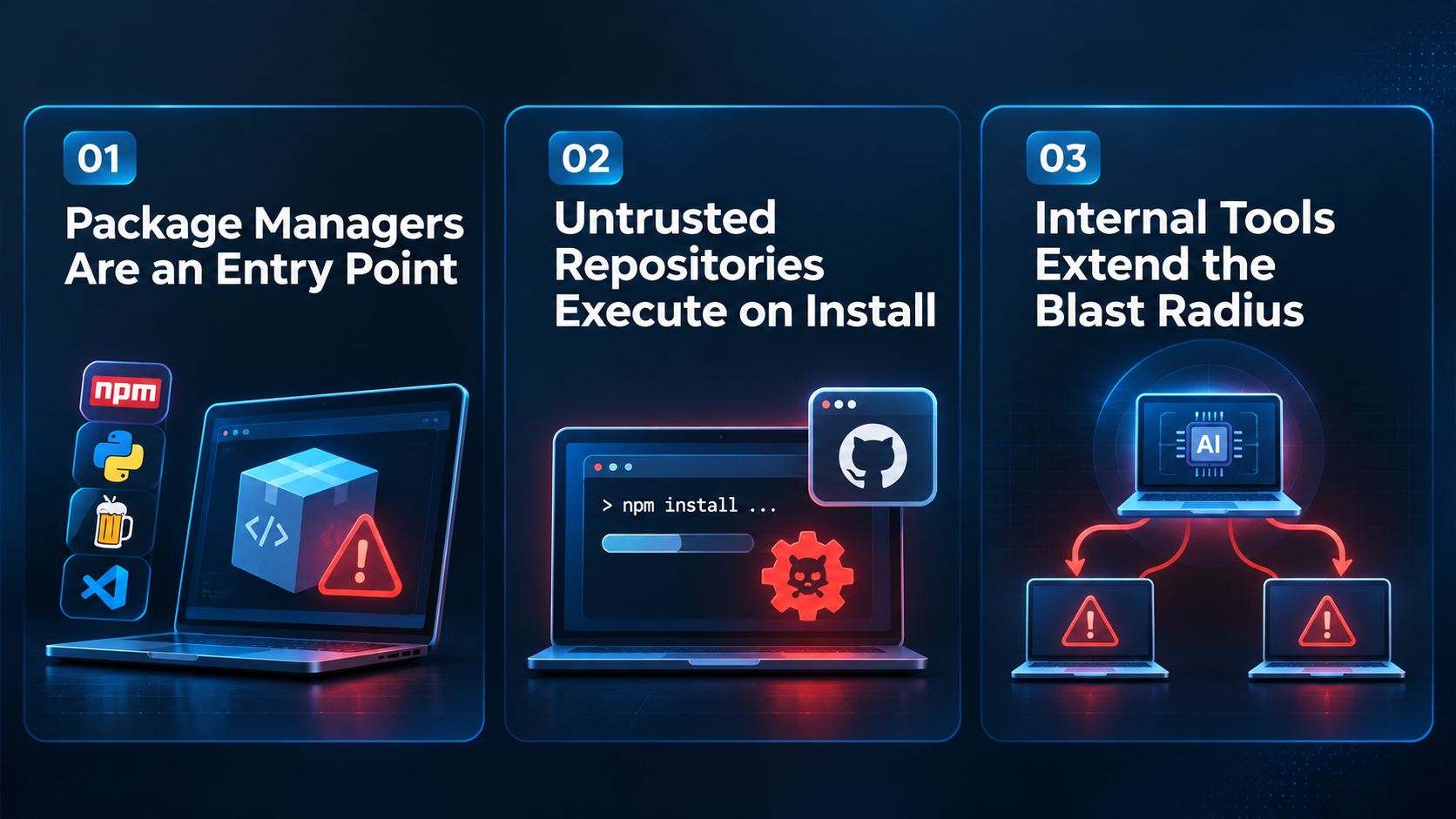
A Developer Supply Chain Security Checklist
For Developers
-
Isolate untrusted code. Open interview assignments, sample projects, and unknown repos in a disposable VM or dev container with no credentials or SSH agent mounted.
-
Inspect before you install. Check package.json scripts, setup.py, Makefiles, .vscode/tasks.json, and git hooks first. Use npm install --ignore-scripts while reviewing.
-
Verify the source. Install tools only from official registries or taps, check publisher identity and download history, and watch for typosquatted names.
-
Keep long-lived secrets off your laptop. Prefer short-lived credentials, hardware security keys, and a secrets manager over tokens sitting in dotfiles.
-
Verify recruiters out of band. Confirm the company, the role, and the people through channels the recruiter did not give you.
For Security and Engineering Leaders
-
Separate development from privileged access. Engineers who can reach wallets, signing, or production should do that work from dedicated, locked-down workstations.
-
Govern internal AI tools like privileged identities. Apply least privilege, scoped tokens, audit logs, and human approval for sensitive actions. The principles in our guide to preventing broken access control apply directly, and so do the patterns in fixing authentication flaws in AI-generated code.
-
Allowlist and monitor tooling. Track which packages and extensions are installed across developer machines and alert on new or unusual ones.
-
Treat one compromise as a team compromise. Binance replaced the June laptop, but the wallet team stayed exposed. Rotate credentials and review access for everyone the device could reach.
-
Design revocation paths in advance. Binance's MPC hot wallets could not quickly revoke a malicious EIP-7702 delegation. Know how you would kill a delegated permission before an attacker holds it.
Why Checklists Alone Are Not Enough
Binance says it blocked 57 suspected North Korea-linked attempts this year. The one that succeeded relied on a developer making a fast, human decision under social pressure. No checklist is open on the screen during a friendly video call with a "CEO."
That is why secure coding training for developers works best when it is hands-on. Developers who have already dissected a malicious repository, spotted a weaponized install script, or abused an over-permissioned internal tool in a safe lab recognize those patterns far faster in real life.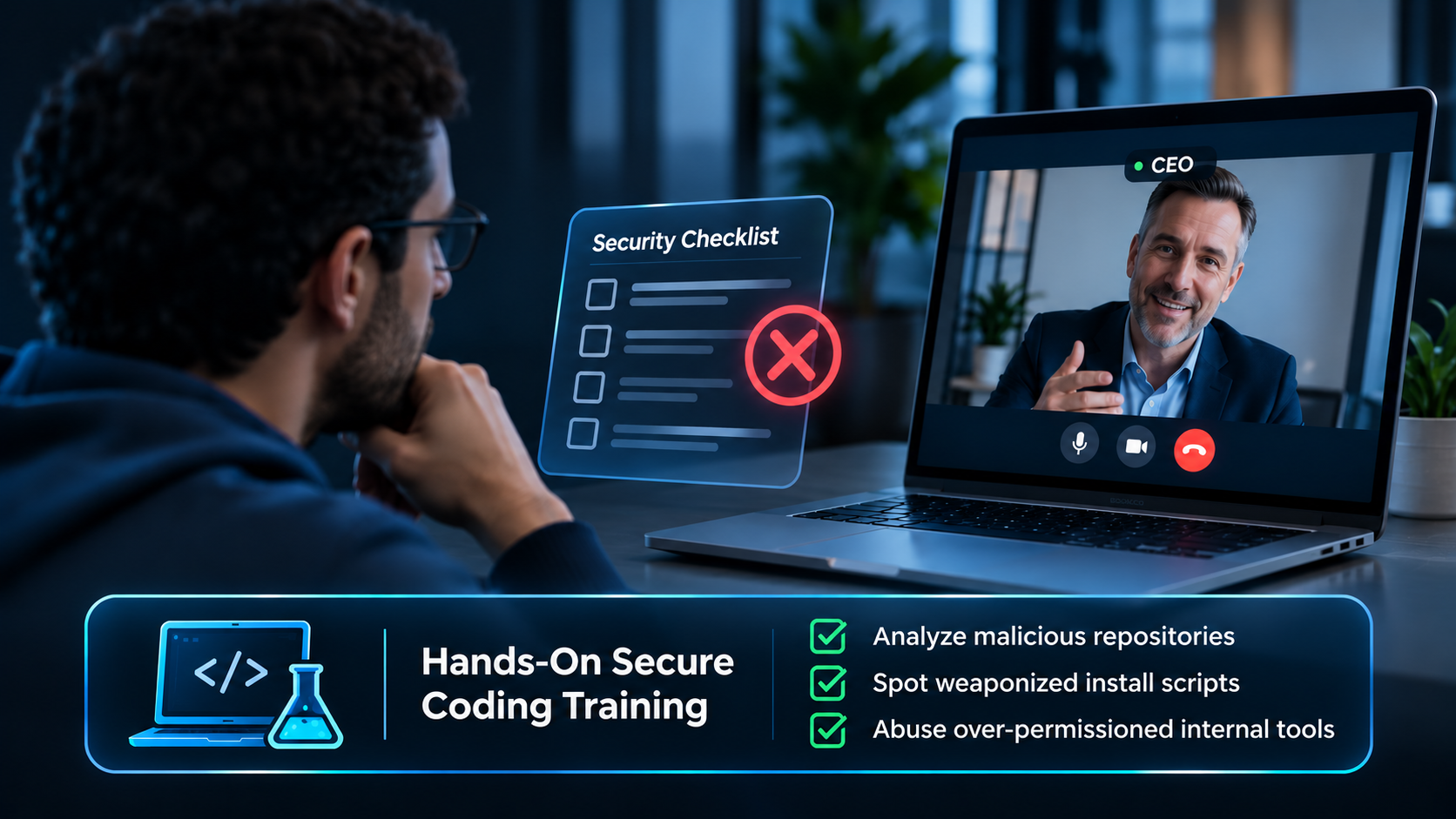
Frequently Asked Questions
What is a developer supply chain attack?
It is an attack that compromises the tools, packages, repositories, or workstations developers use, so attackers can reach source code, credentials, or production systems through a trusted path.
How can developers safely complete take-home coding assignments?
Run them in a disposable VM or container with no access to work credentials, review install scripts before running anything, and never use a work laptop.
Build Supply Chain Instincts with Hands-On Labs
Your developers are now part of your attack surface. Simulations Labs helps you train them like it. Launch realistic simulations and CTF challenges built around malicious packages, poisoned repositories, and internal tool abuse, or use the Simulations Copilot to generate scenarios based on incidents like the Binance hack.
Hiring developers? Use our Applicants Assessment to run hands-on technical challenges in a hosted environment, so candidates never have to run unknown code on their own machines.
Get started for free, no credit card required, or see our pricing plans for teams.