How to Train Developers to Code Securely With AI
Sonar's 2026 State of Code Developer Survey of over 1,100 professional developers found that AI now accounts for 42% of committed code, and yet 96% of developers say they don't fully trust AI-generated code, with only 48% reporting that they always verify it before committing. The conversation inside most engineering organizations has already moved past "should developers use AI coding tools"; that decision made itself. What's left is a harder, more practical question: how do you actually train a team to use these tools without quietly shipping more vulnerabilities than they did before?
Generic secure coding training doesn't answer this well, because it was built for a world where a human wrote every line under review. Training developers to code securely with AI requires a different structure. Here's what that structure actually looks like.
Step 1: Teach the Mechanism, Not Just the Rule
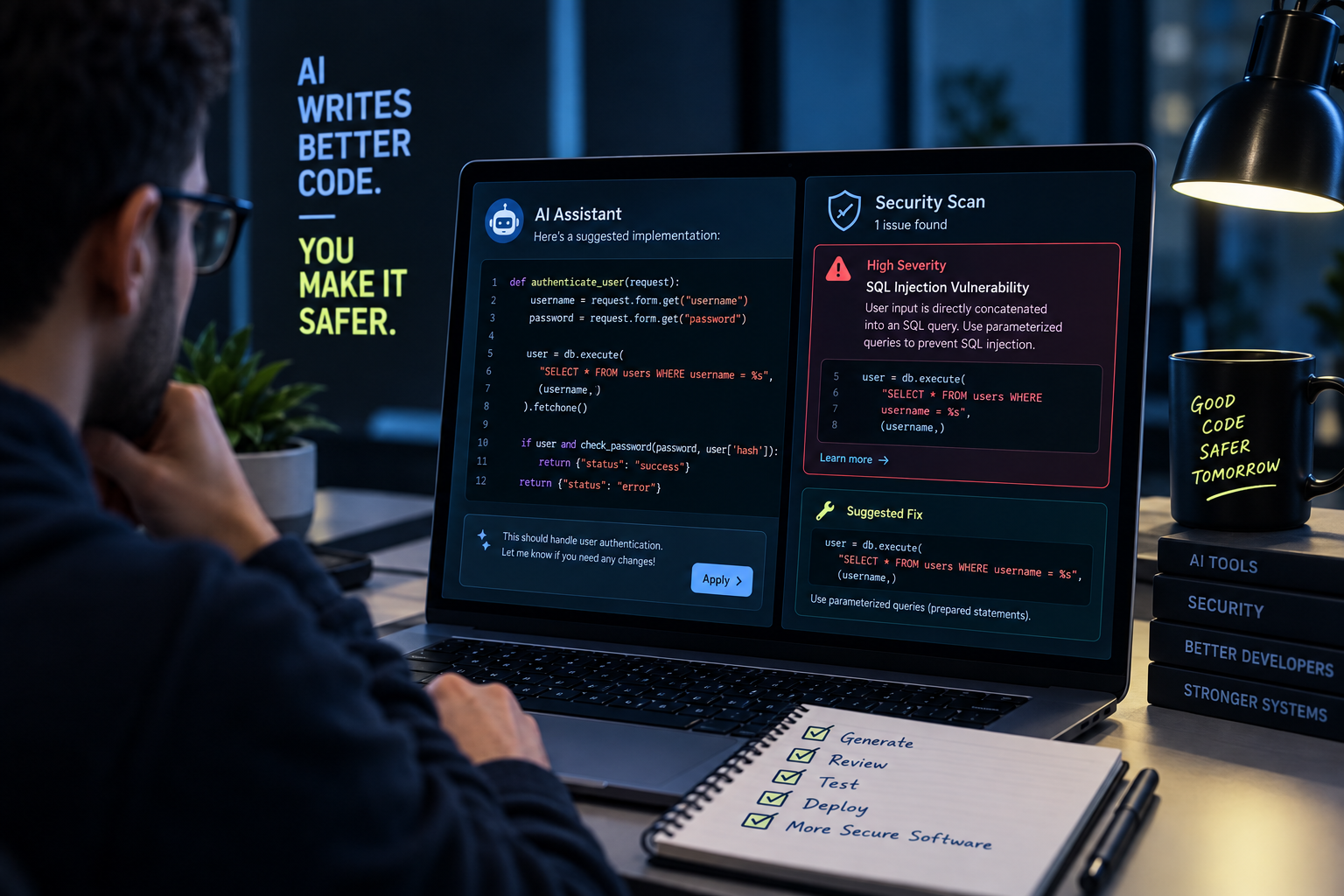
"Review AI suggestions carefully" is advice nobody disagrees with and almost nobody consistently follows, because it's abstract. Developers follow it more reliably when they understand why it matters, that AI coding models learn from public code containing real mistakes, that they're optimized to produce plausible, prompt-satisfying output rather than secure output, and that even models capable of correctly explaining a vulnerability will still generate it under normal coding conditions. That last point specifically reframes the risk: this isn't just about the tool being undertrained. Understanding that distinction changes how developers relate to AI suggestions, from "the tool made a mistake" to "the tool isn't built to catch this category of problem by default, so I have to."
Step 2: Train Calibration, Not Just Caution
The specific skill developers need isn't generic wariness, it's calibration: matching the level of scrutiny to the actual risk, rather than to how confident the output sounds. Research from Qodo's 2025 State of AI Code Quality report found that developers who experience fewer hallucinations from their AI tools are roughly 2.5 times more likely to merge code without reviewing it at all, meaning the developers most likely to skip review are the ones whose tools have earned just enough trust to be dangerous. Training that doesn't explicitly address this ends up producing developers who apply scrutiny unevenly, skeptical of code that looks rough, and unearned trusting of code that reads cleanly, which is exactly backward from where the actual risk sits.
Step 3: Run Calibration Exercises, Not Just Lectures
The most effective version of this training isn't a slide deck, it's a structured exercise where developers review AI-generated code seeded with real, intentional vulnerabilities and have to find them without being told where to look. This does two things a lecture can't: it gives developers a concrete, felt sense of what a plausible-looking but flawed AI suggestion actually looks like in practice, and it produces a measurable signal, who caught the seeded flaw and who didn't, that a training completion checkbox never provides.
Step 4: Teach Security-Focused Prompting as a Skill
Because AI-generated security is largely opt-in, triggered by what the prompt asks for, not applied automatically, prompting is itself a secure coding skill now, not just a productivity one. A prompt that says "write a login function" and one that says "write a login function following secure authentication practices, including rate limiting and proper session handling" can produce meaningfully different code from the same model. Training developers to build security requirements into their prompts by default, rather than treating it as an occasional extra step, closes a surprising amount of the gap before code is ever generated.
Step 5: Cover the Vulnerability Classes That Are Actually New
A curriculum built entirely around the classic OWASP Top 10 will miss the categories AI-assisted development has specifically introduced: hallucinated package names that open the door to slopsquatting, hardcoded secrets showing up at a higher rate in AI-assisted commits, and structurally under-designed systems where an entire feature, not just one function, inherited the same blind spot at once. These deserve explicit coverage in any AI-era training program, not a passing mention.
Step 6: Move Training Into Live, Hands-On Practice
Passive training, videos, slide decks, annual modules, consistently underperforms hands-on practice for building skills that need to hold up under real conditions, and secure coding is exactly that kind of skill. The gap between "sat through a module on SQL injection" and "can actually spot one in an unfamiliar AI-generated pull request" doesn't close through reading. It closes through repeated practice finding real vulnerabilities in real, if contained, code, which is a fundamentally different exercise than answering a multiple-choice question about a definition.
Step 7: Make It Specific to Your Stack and Your Tools
Generic "AI security awareness" training tends to stay abstract enough to apply to nobody's actual day-to-day work. A developer using Cursor against a Python API behaves differently and hits different failure modes than one using an agentic tool to generate infrastructure-as-code. Training that's tied to the actual tools and languages your team uses produces sharper pattern recognition than training that speaks in generalities about "AI risk."
Step 8: Verify the Skill, Don't Just Track Completion
The step most programs skip is confirming any of the above actually worked. A completion dashboard tells you who attended. It doesn't tell you whether a developer can find a genuine vulnerability in a realistic, AI-generated codebase under normal working conditions, which is the only thing that actually predicts what happens the next time a flawed suggestion lands in their editor.
Building This Without Starting From Scratch
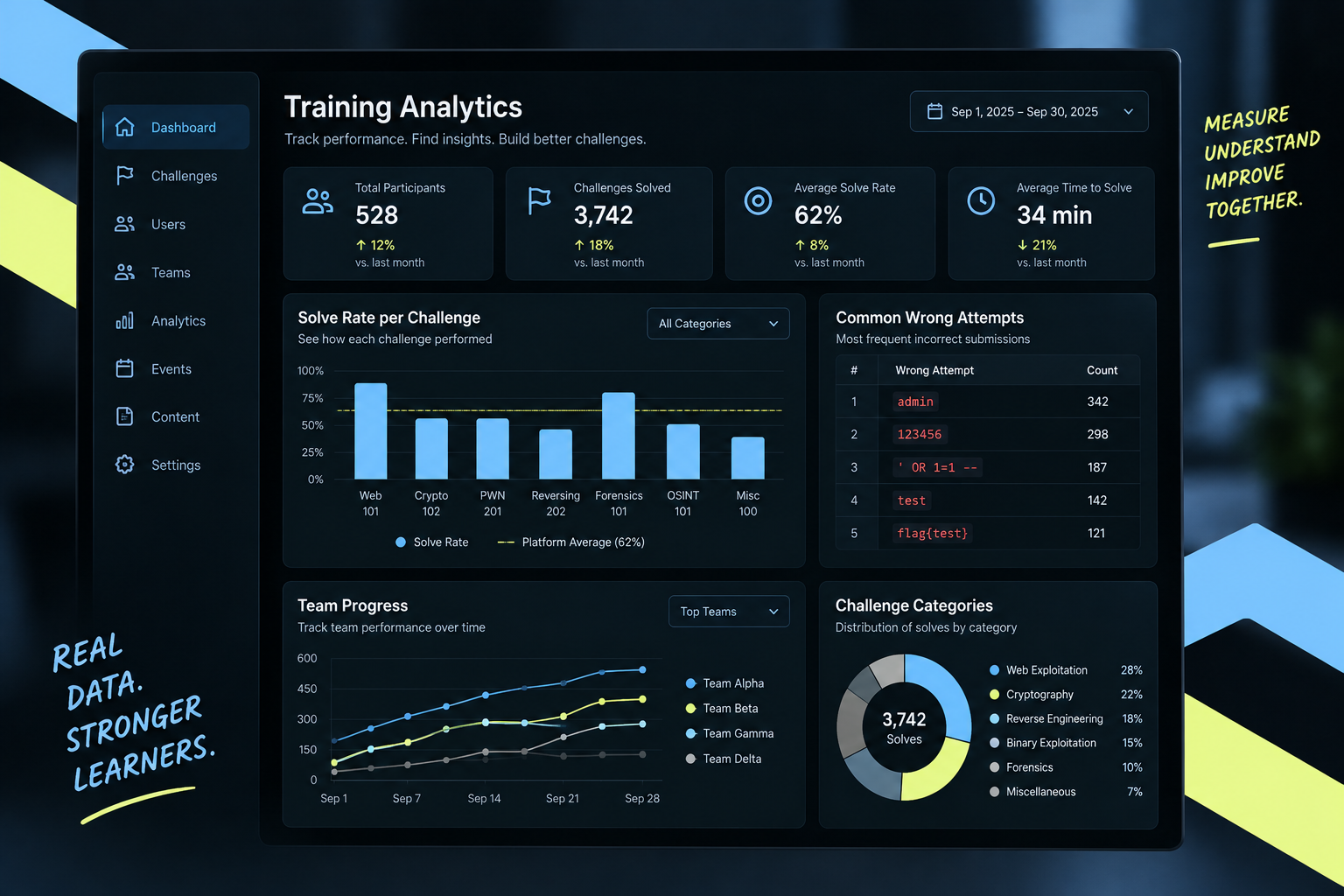
Steps 3, 6, and 8 are where most training programs quietly fail, not from lack of intent, but because building realistic, hands-on environments to practice and verify this skill is a genuine engineering effort most security or L&D teams aren't resourced to build themselves. This is the specific gap platforms like Simulations Labs are built to close: live, on-demand Web Security scenarios where developers practice finding and fixing real vulnerabilities, with performance analytics that show exactly where a team's calibration is actually weak, turning a training program from a completion record into a genuine, measured skill. Programs built around structured courses rather than one-off exercises can use the Training Platform's Course Builder to combine this hands-on practice with guided lessons, and the Simulations Copilot makes it possible to assemble a stack-specific curriculum from an existing challenge library instead of building every scenario from scratch.
Ready to build a secure coding program your developers actually practice, not just complete? See how Simulations Labs supports security team upskilling and get a live look at the hands-on model behind it.
FAQ
How is training developers to code securely with AI different from regular secure coding training? Regular secure coding training assumes a human wrote every line under review. AI-era training has to add calibration (matching scrutiny to actual risk rather than to how confident the output looks), security-focused prompting as an explicit skill, and coverage of vulnerability categories, like hallucinated dependencies and AI-scale secret sprawl, that didn't need a name before AI-assisted development became standard.
Do developers need to distrust every AI suggestion to code securely? No, that's not realistic given how integrated these tools have become, and outright distrust just leads to reviewer fatigue. The more sustainable skill is tiered scrutiny: light review for low-stakes code, and mandatory, deliberate checks for anything touching authentication, authorization, cryptography, or new dependencies.
What's the fastest way to know if secure coding training is actually working? Completion tracking won't tell you. The reliable signal is a hands-on exercise, putting a developer in front of a real, unlabeled vulnerability seeded in AI-generated code and seeing whether they find and fix it, then tracking that result over time by individual and by team.
Should secure coding training differ by seniority level? Yes. Junior developers generally need to build the baseline skill of recognizing a vulnerability with some guidance. Senior developers and reviewers should be expected to catch and correctly remediate issues independently, since they're often the last checkpoint before AI-assisted code ships to production.
How often should this training be updated? More often than an annual cycle. AI coding tools and their specific failure patterns change quickly enough that a training program frozen for a year is likely testing against outdated tool behavior by the time it runs again; quarterly refreshes are a more realistic cadence for this specific topic.